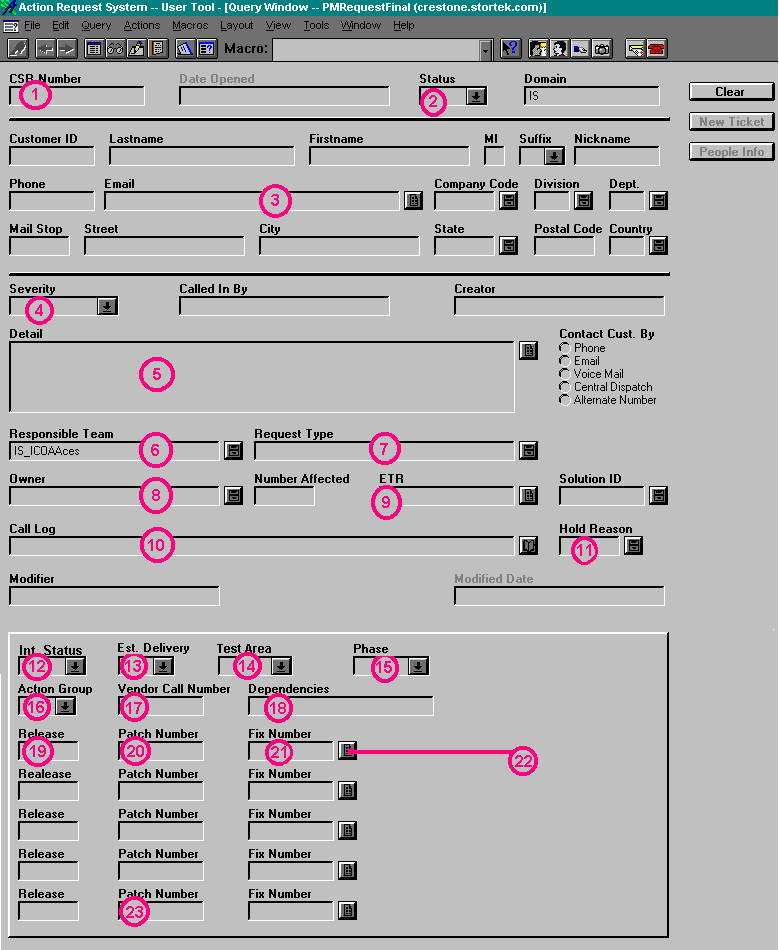
| This, the last patch number field, will be used to show the
corresponding case number, if any, from the Control Sheet. An example is
XLN09, a case number within the Control Sheet. Querying this field will
show the new number, found in the CSR
Number field. |
Back
Click
to return to the Main Menu.
|
 |
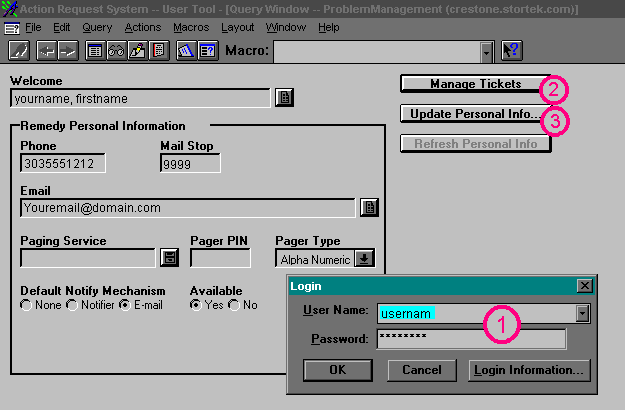
Jump Right to the Login Screen
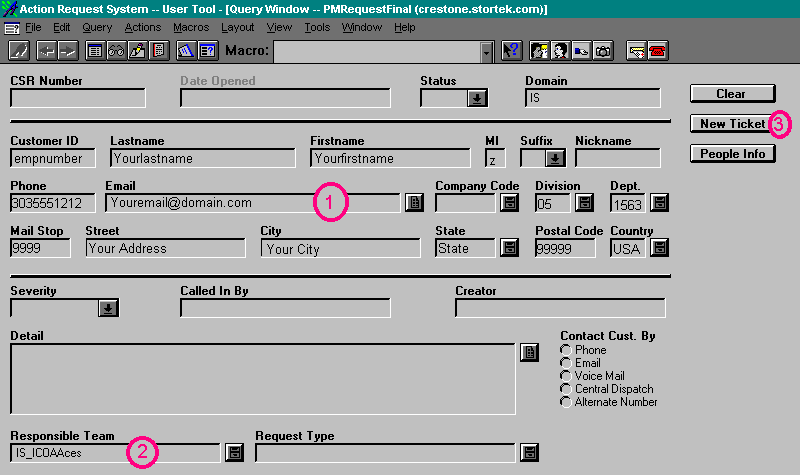
Jump Right to the Create New Ticket Screen
Jump Right to the Button Descriptions
When you first log in, the screen will look similar to this:
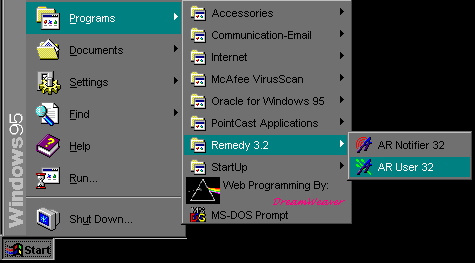
For the Screens Below, click on the buttons or areas to get a
detailed description in the left side of the screen.
 Jump back to the top
 Jump back to the top
 Jump back to the top
 |